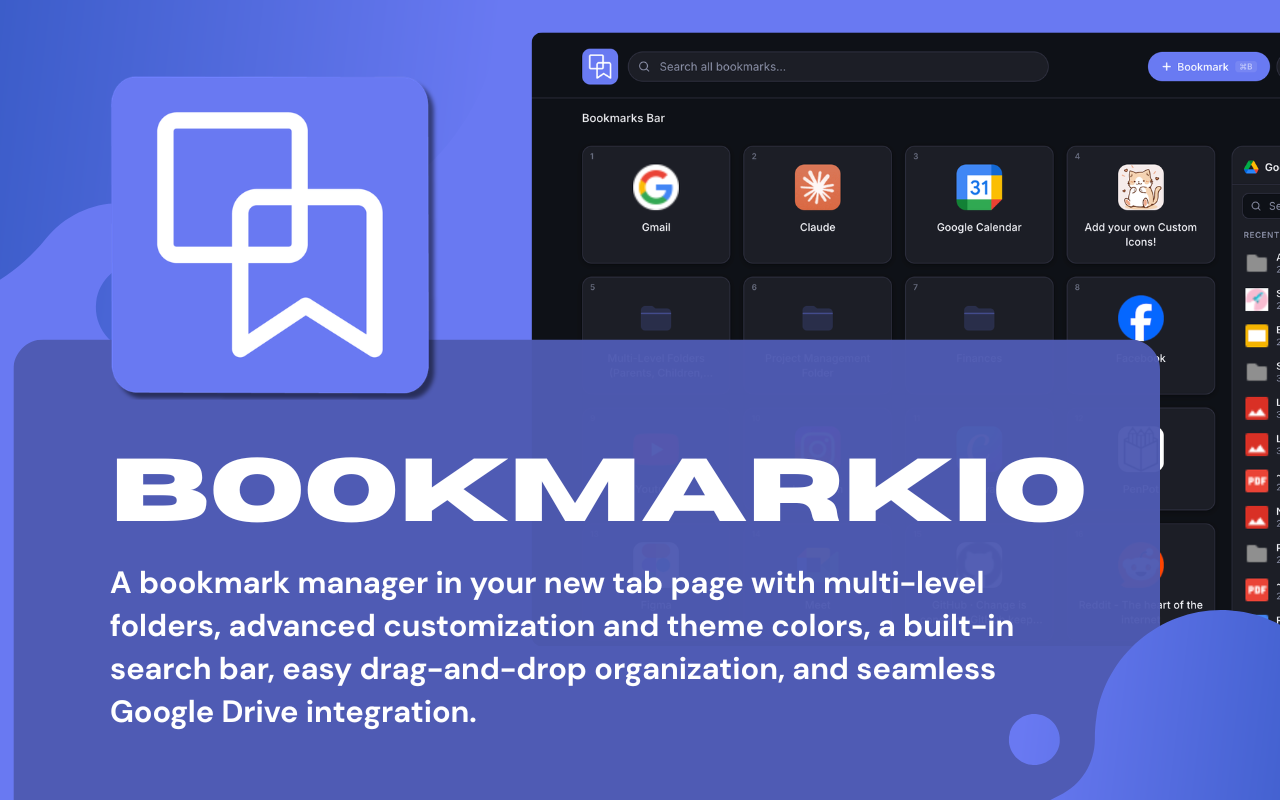
Bookmarkio - Bookmark Folders in Your New Tab Page
Bookmarkio replaces your blank new tab with a powerful bookmark manager — multi-level folders, drag-and-drop, Google Drive search, and an at-a-glance Google Calendar view.
Features
Built for people who actually use their browser — not just look at it.
Nest bookmarks as deep as you need. Organize by project, topic, or however your brain works.
Rearrange folders and links effortlessly — no menus, no friction, just drag it where you want it.
Search your entire Google Drive without leaving your new tab. Find files the moment you need them.
See today's Google Calendar events — times and join links included — right in your new tab, with no separate app or tab to open.
Create a new Doc, Sheet, or Slide in one click — right from your new tab page, no extra navigation needed.
A clean layout that adapts to your workflow. Arrange it the way you work, not the way someone else decided.
Core features are completely free. Install it, set it up in seconds, and start using it immediately.
How it works
No complicated setup. Just install, sign in, and go.
STEP 01
Add Bookmarkio to Chrome with one click. It immediately replaces your new tab page.
STEP 02
Connect your Google account to enable Drive search, one-click Google Workspace creation, and today's Calendar schedule.
STEP 03
Add folders for the categories that matter — Work, Reading, Tools, Projects. Nest them as deep as you need.
STEP 04
Drop your bookmarks in, drag to arrange, and open a new tab anytime to see everything laid out and ready.
Transparency
You should know exactly what permissions an extension uses. Here's every one.
Bookmarkio requests the following Chrome and Google permissions to deliver its features:
Free to install. Works instantly. No account required to get started.
Add to Chrome — it's free